Your phone
lives here
now.
Files, notifications, clipboard, calls and your phone's screen, straight over your own Wi-Fi. Nothing goes through a cloud.
See it in action.
Phone. Mac.
One link.
Encrypted end to end and paired by QR code. Your stuff goes straight across your Wi-Fi and never touches a server.
- 01
Send files both ways.
Drop files on the menu bar or share from any Android app. Transfers resume if Wi-Fi drops.
- 02
Answer notifications from your Mac.
Your phone's notifications show up on your Mac. Reply, dismiss or tap an action.
- 03
One clipboard, two devices.
Copy on one, paste on the other: text, links and images.
- 04
Take calls at your desk.
See who's calling, then answer, decline or dial from your Mac.
- 05
Your photos, on the big screen.
Browse your phone's library, preview with Quick Look, drag into Finder.
- 06
Mirror your phone and drive it.
Your phone's screen in a window, with your mouse and keyboard.
Also: ring my phone · media controls · open links on the other device
One minute,
once.
Unison is free and not registered with Apple, so macOS asks you to confirm it the first time. After that it opens like any other app.
 01
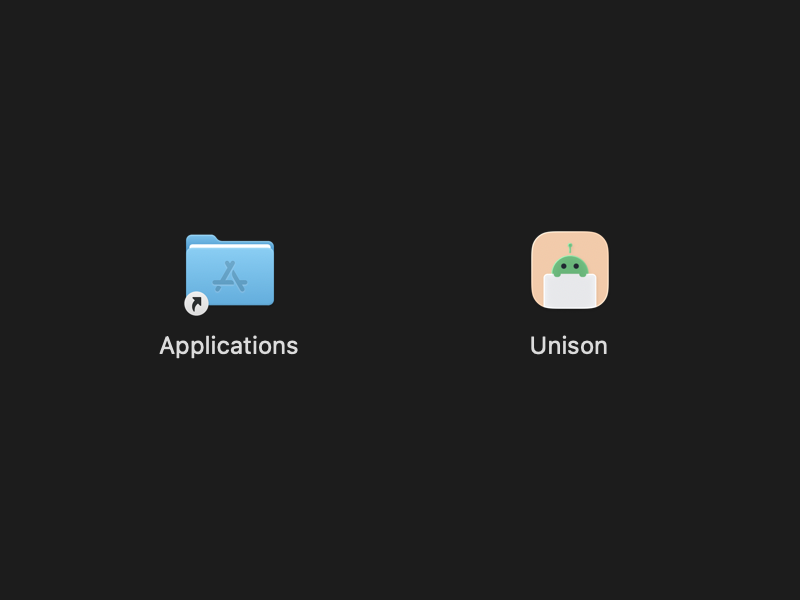
01Download
Download Unison.dmg, open it and drag Unison into Applications.
 02
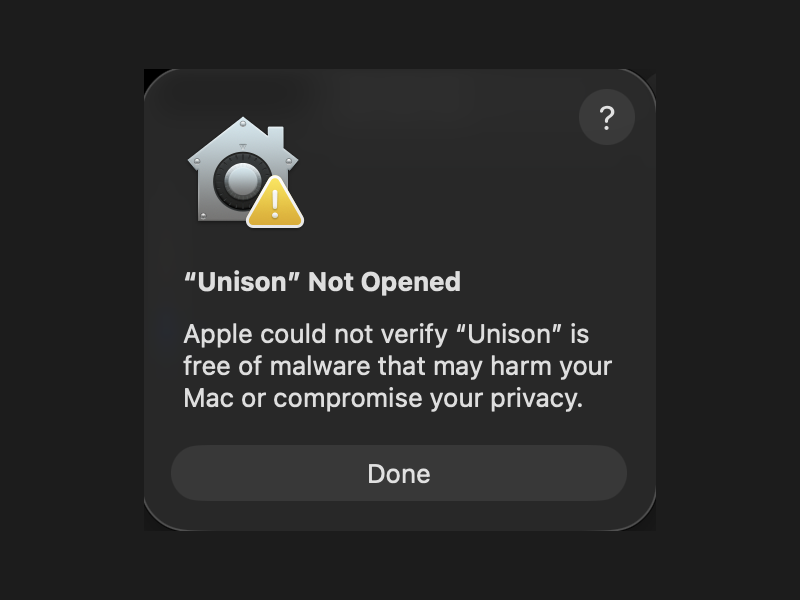
02Open it once
Double-click Unison. macOS says it can't verify it. Click Done.
 03
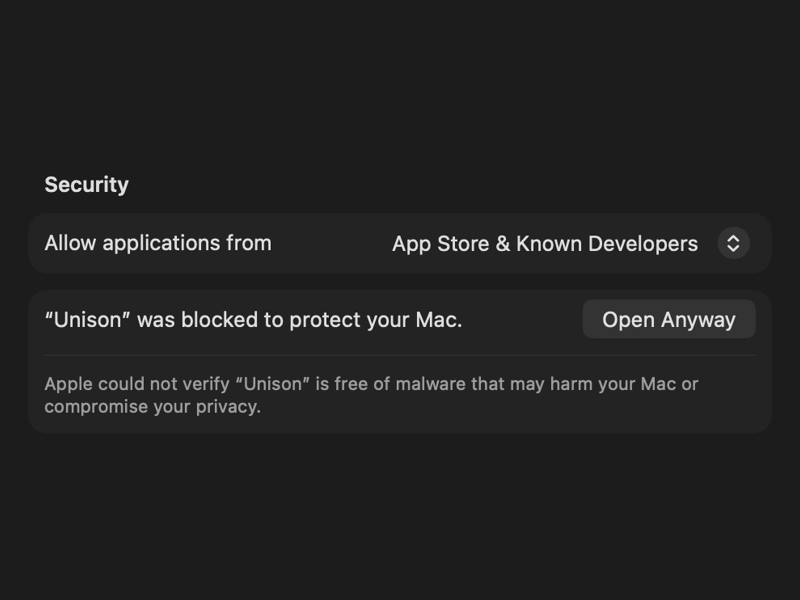
03Open Anyway
System Settings → Privacy & Security, scroll down to Security, click Open Anyway.
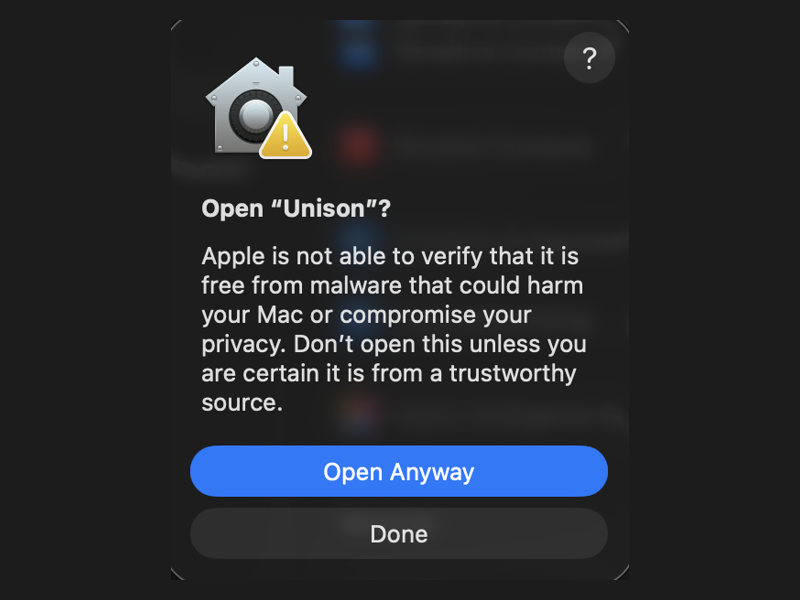 04
04Confirm
Click Open Anyway again, then enter your Mac password or use Touch ID.
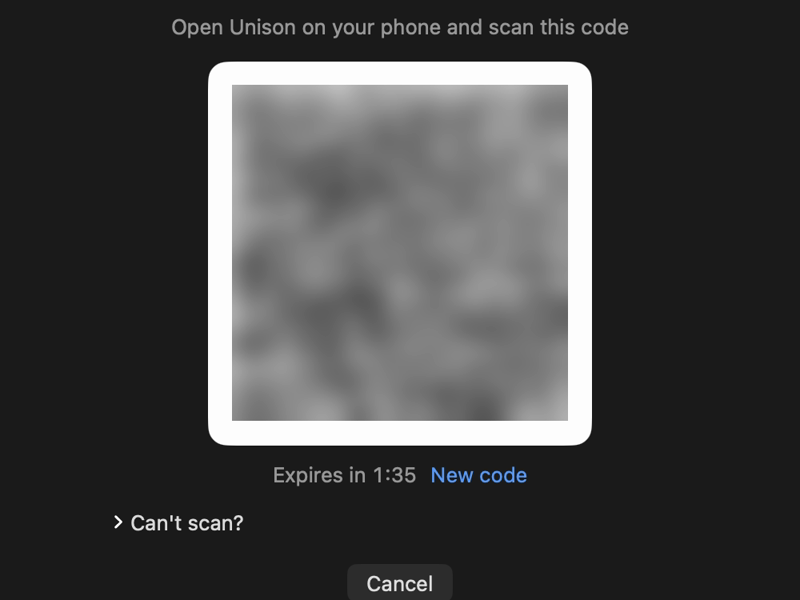 05
05Pair your phone
Allow local network access. Then install the Android app (coming soon to Google Play) and scan the QR code.
Comfortable with Terminal?
Skip steps 2 to 4 with one command:xattr -dr com.apple.quarantine /Applications/Unison.appCheck your download
Compare the file's SHA-256 with the one in the release notes.shasum -a 256 ~/Downloads/Unison.dmgWhy the warning? Apple charges $99 a year to register an app. Unison is a free side project, so it isn't registered. It's open source (MIT): you can read all of the code on GitHub.

Buy the robot
a chai.
Unison is free, with no ads and no account. It's made by one person in India. If it saves you time, a one-time tip keeps it going.
♥ Sponsor on GitHubvenusaiyalamanchili@oksbi
Throw something at it.
Grab anything and fling it at the robot. It sends it to your phone, just like the real thing.Open this page on a computer to throw things at the robot.Motion is turned off, so the robot is taking a rest.